



Email is the one system where downtime is immediately visible to everyone, including the people who approved the budget. It is also the migration most often underestimated, because moving mailboxes is the easy part and everything around it is not.
This is the order we work in. It is deliberately unglamorous.
Before you touch anything
- Inventory the mailboxes. Not just users — shared mailboxes, distribution lists, aliases, resource calendars, and every mailbox that some application logs into to send mail.
- Find the things that send email. Scanners, ERP systems, monitoring tools, the website contact form. These break silently after a migration and nobody notices for a week.
- Check the data volumes. A 90 GB mailbox with fifteen years of history migrates very differently from a 2 GB one, and knowing this changes the plan.
- Record the current DNS. MX, SPF, DKIM, DMARC, autodiscover, and their TTLs. You will be changing these under time pressure later.
Lower the TTLs a week early
This single step prevents most of the pain. DNS records cached with a 24-hour TTL will keep pointing at the old system for a day after you cut over, and there is nothing you can do about it at the time. Drop TTLs to 300 seconds a week before the migration and cutover becomes a five-minute event rather than a day of split delivery.
Migrate in waves, not in one night
The instinct is to move everyone over a weekend. Waves are better:
- Wave 0: the IT team. You find the problems on people who can describe them properly.
- Wave 1: a mixed group of ten to twenty across different departments and device types.
- Waves 2–n: by department, largest mailboxes scheduled earliest so the long syncs have the most time.
With a hybrid or staged migration, mail flows correctly to both sides during the transition, so a user who has not moved yet is unaffected by one who has.
The things that break afterwards
In our experience the post-migration tickets cluster into four groups, and all four are avoidable:
- Devices that send mail. The multifunction printer that scans to email still points at the old relay. Fix it during the migration, not after the first complaint.
- Shared mailbox permissions. These do not always carry across cleanly. Audit them after each wave rather than at the end.
- Calendar sharing across the boundary. During a phased migration, free/busy lookups between migrated and unmigrated users need explicit configuration.
- Mobile devices. Some will reconfigure themselves; some will need to be re-added. Tell users which category they are in before the day, not after.
Do the security configuration at the same time
A migration is the one moment when changing security settings is expected rather than disruptive. Take the opportunity: multi-factor authentication on every account, legacy authentication protocols disabled, SPF, DKIM and DMARC published properly, and a sensible retention policy. Doing this later means a second round of user communication and a second round of resistance.
SPF, DKIM and DMARC are not optional any more. Large receivers increasingly reject mail that fails them, and the failure looks to your staff like “our email does not work”.
What “no downtime” actually means
Nobody should notice a service outage. Some users will notice a one-off password prompt on their phone, or a client restart. That is the honest promise: no interruption to mail flow, and a small number of expected, communicated interactions. Any provider promising literally nothing at all has not done many of these.
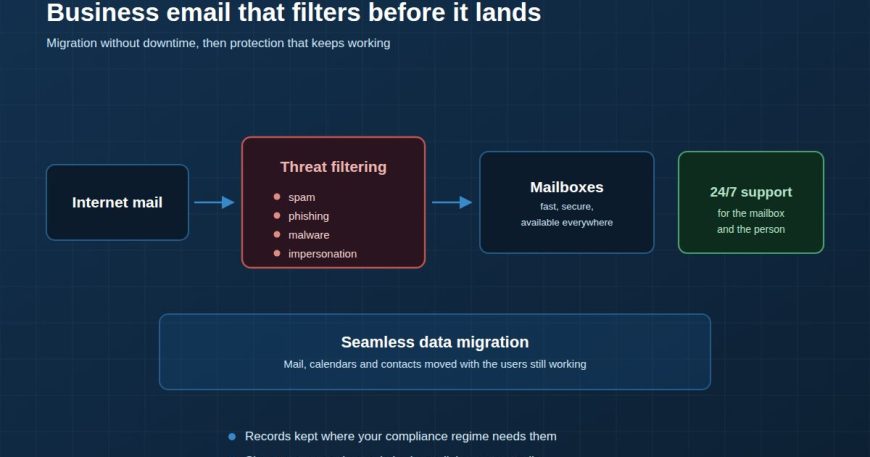
We migrate mail, calendars and contacts with users still working, and configure the protection at the same time. Email Services →

